

Administration
Users and roles
For the administrator - approving sign-ups, blocking, resetting passwords and two-step verification, giving the organiser, tutor and administrator roles, the sign-in log and the moderation of public roadbooks.
Administration is the RoadBookAI back office: it opens from your name in the Studio bar (user area) and, for administrators, has the items Users, Sign-in log, Jobs, Regional maps and Updates. For administrators two-step verification is mandatory, in the app too.
Users
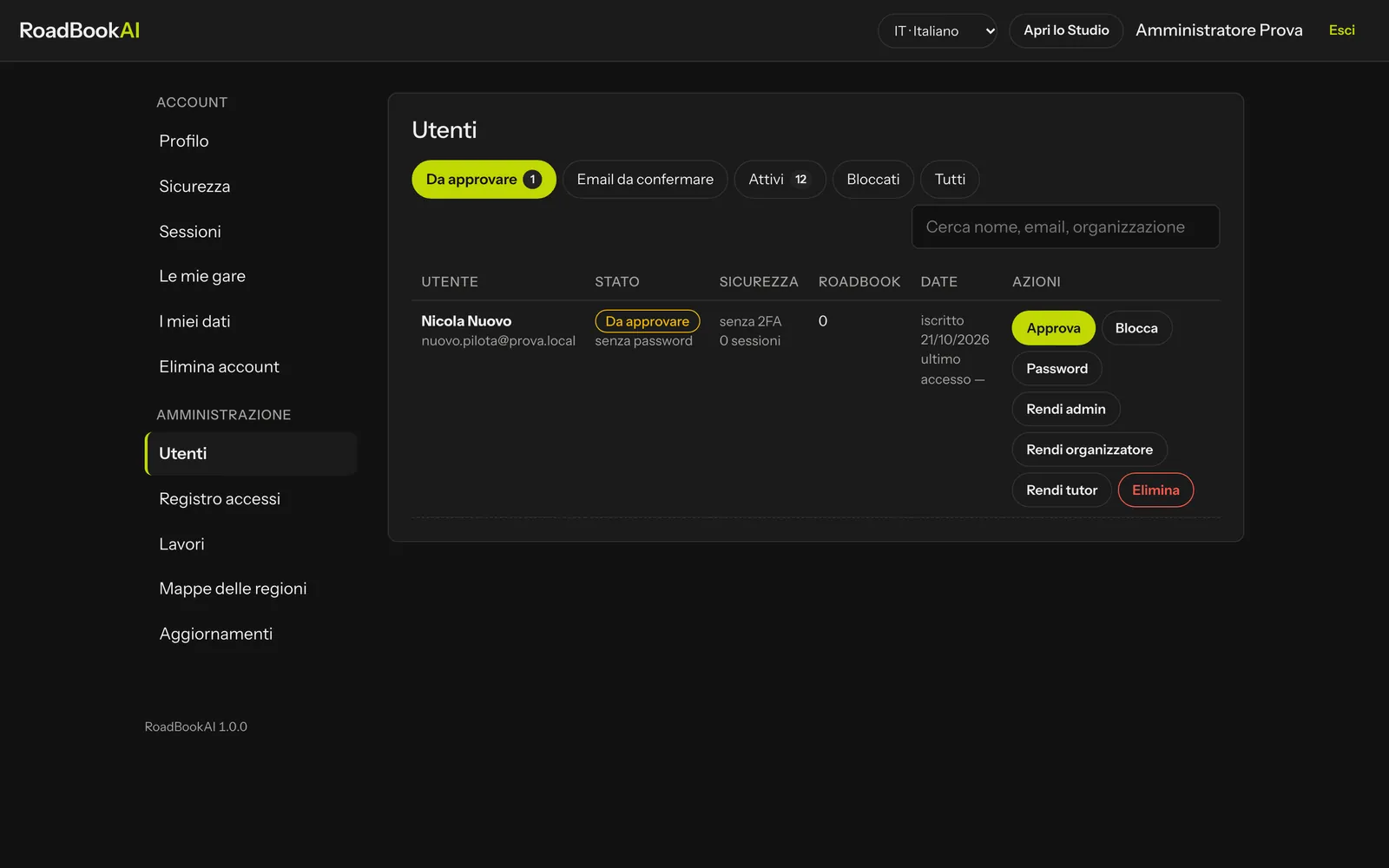 Users: sign-ups to approve are at the top.
The filters at the top: To approve, Email to confirm, Active, Blocked, All, plus search by name, email or organisation. Each row shows status, security (2FA on or not, open sessions), how many roadbooks they have, the dates of joining and of the last sign-in, and the actions:
| Action | What it does |
|---|---|
| Approve | the account becomes active and the person receives an email |
| Block / Unblock | block signs them out straight away of all sessions and of the app; unblock reopens access |
| Password | the current password stops working and a link (24 hours) arrives by email to choose a new one |
| Reset 2FA | for people who have lost both their phone and their recovery codes: check their identity first, for example with a phone call |
| Make admin / Make user | gives or removes the administrator role; at the next sign-in they will have to turn on two-step verification |
| Make organiser / Remove organiser | enables the creation of events (Events and stages) |
| Make tutor / Remove tutor | enables training groups (Replay and tutor groups) |
| Delete | permanently deletes the account and its roadbooks; to confirm, you type a word |
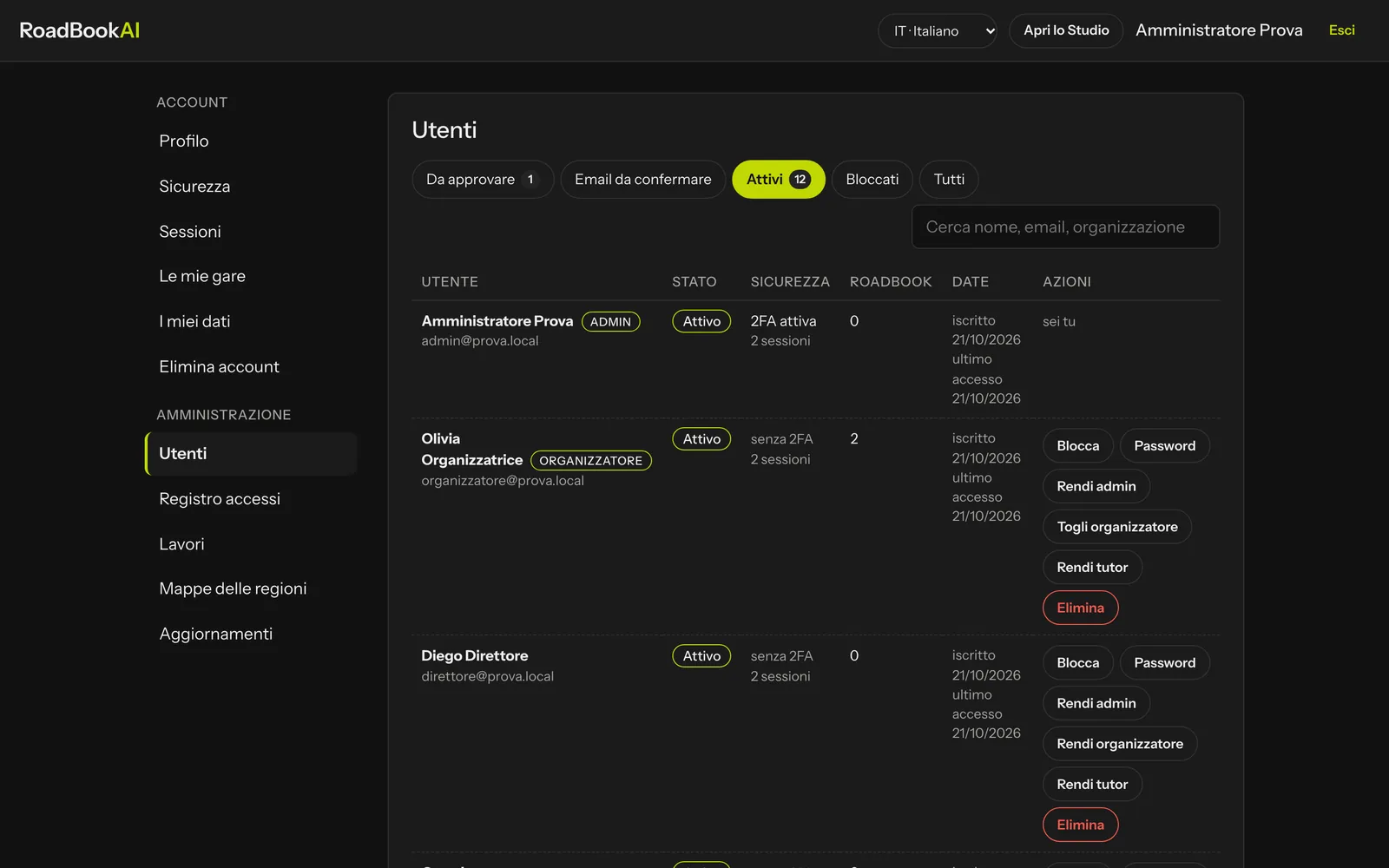 The roles appear next to the name.
People who sign up on their own stay to approve. People who are on an event's list of entrants and confirm their email, on the other hand, are activated without approval: the organiser is a trusted role that you have enabled.
The administrator does not see other users' roadbooks unless they have been shared with them; in events they count as the organiser, for support.
Sign-in log
The last 300 events of all accounts: sign-ins (with or without two-step verification), failed attempts, password changes, administration actions, publications and reports, map downloads and updates, application updates. With IP address and device.
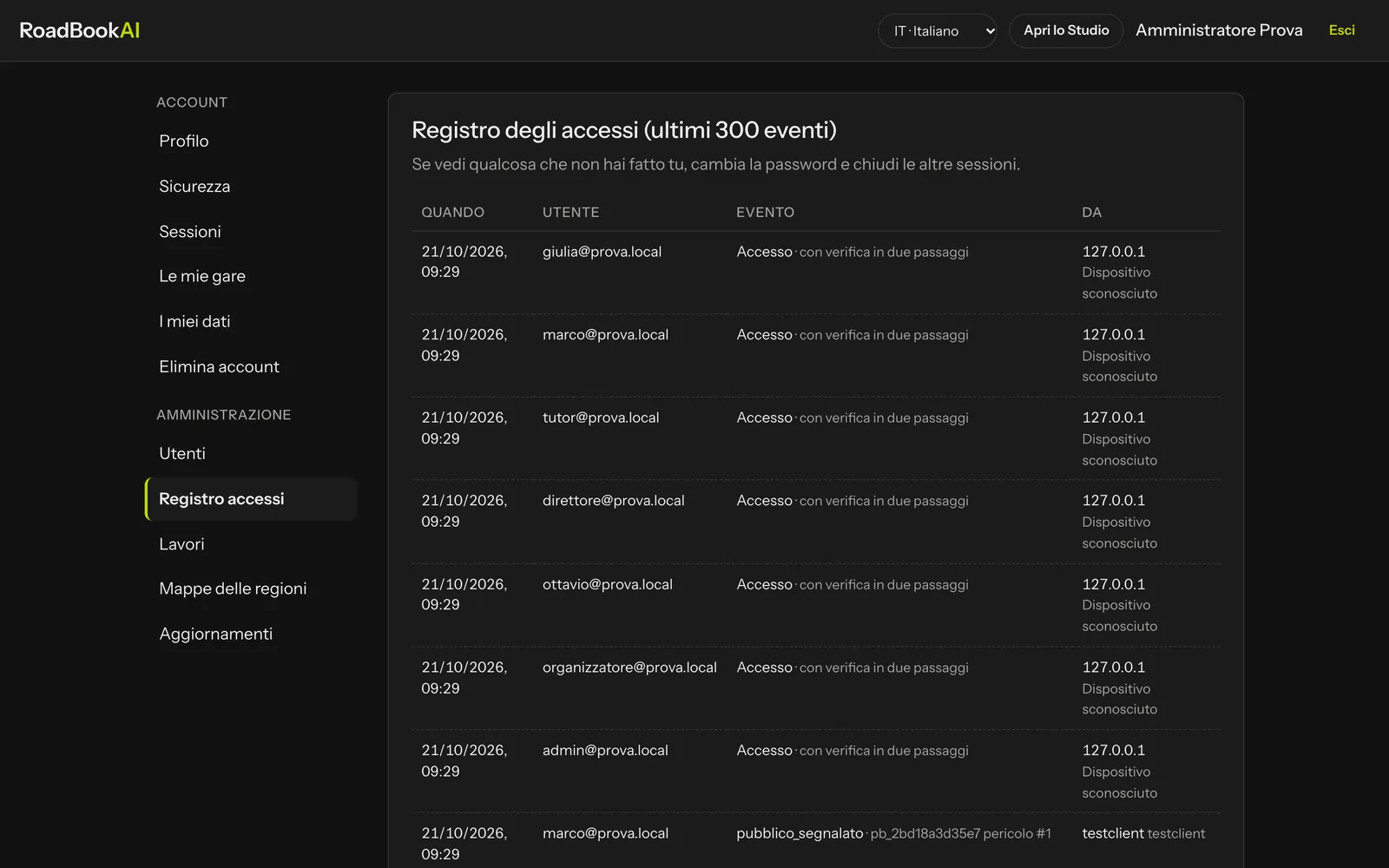 The log: when, who, what and from where.
Public roadbooks: moderation and reports
In the Studio bar, Public roadbooks › Moderation collects the proposals by status: Awaiting approval, Published, Not approved, Withdrawn. The page of a proposal shows the map, the data calculated from the track, the description and the photos, with Approve, Reject (with the reason, which the author receives by email) and Withdraw (with the reason). Every new proposal also reaches the administrators by email.
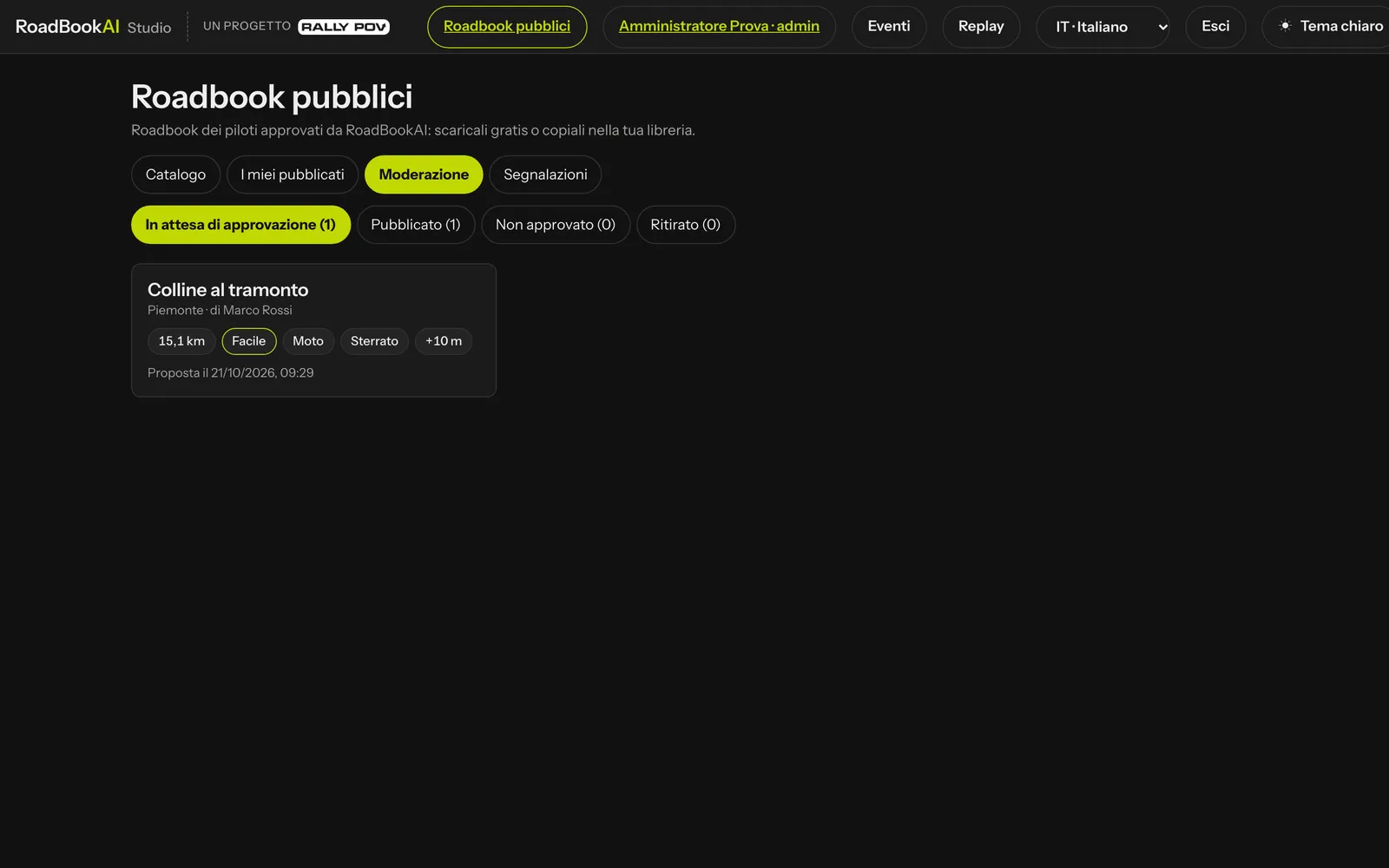 A proposal awaiting approval.
Reports collects the problems reported by people using a public roadbook (danger not marked, no entry, road closed…): Open, Resolved, Archived; with Resolved or Archive you close it.
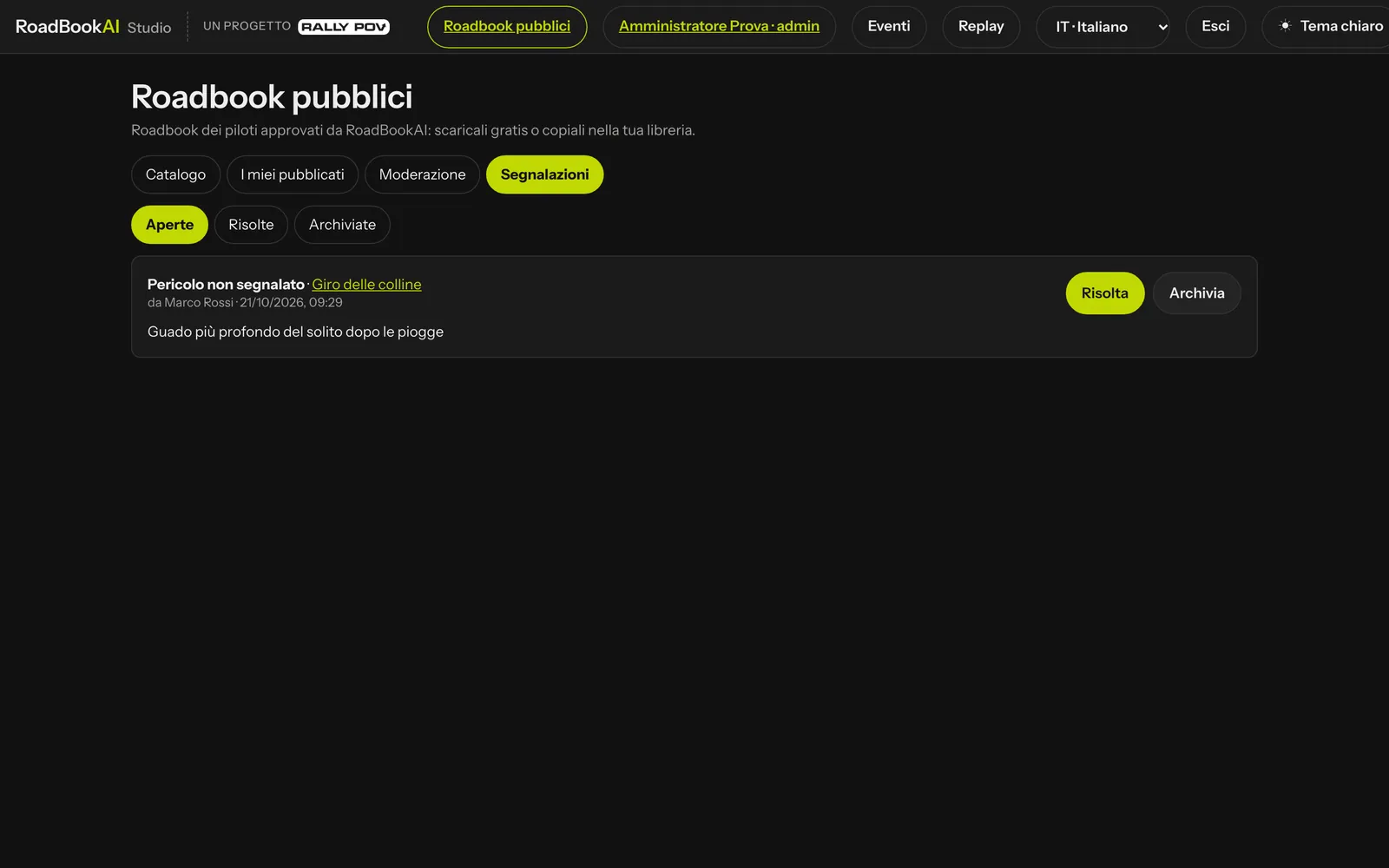 A report on a public roadbook.
Events: agreement, retention and disputes
- Every organiser accepts the joint controllership agreement when creating their first event (and again when the version changes); administrators are exempt, as they work for M@trix. An event can be assigned to another organiser only if they have accepted the version in force.
- Race data are deleted automatically 3 years after the end of the event (a service job, once a day), with a notice email to the organiser 30 days before. The event, entrants, start times and classifications remain.
- If there is a protest, an appeal or a request from an authority, in the event's General tab you mark a dispute in progress with the reason: while it lasts, nothing is deleted. Close the dispute when it is resolved.
- As an administrator you can open any event (you count as the organiser, for support purposes) and export its data.